Three New Updates to Automations
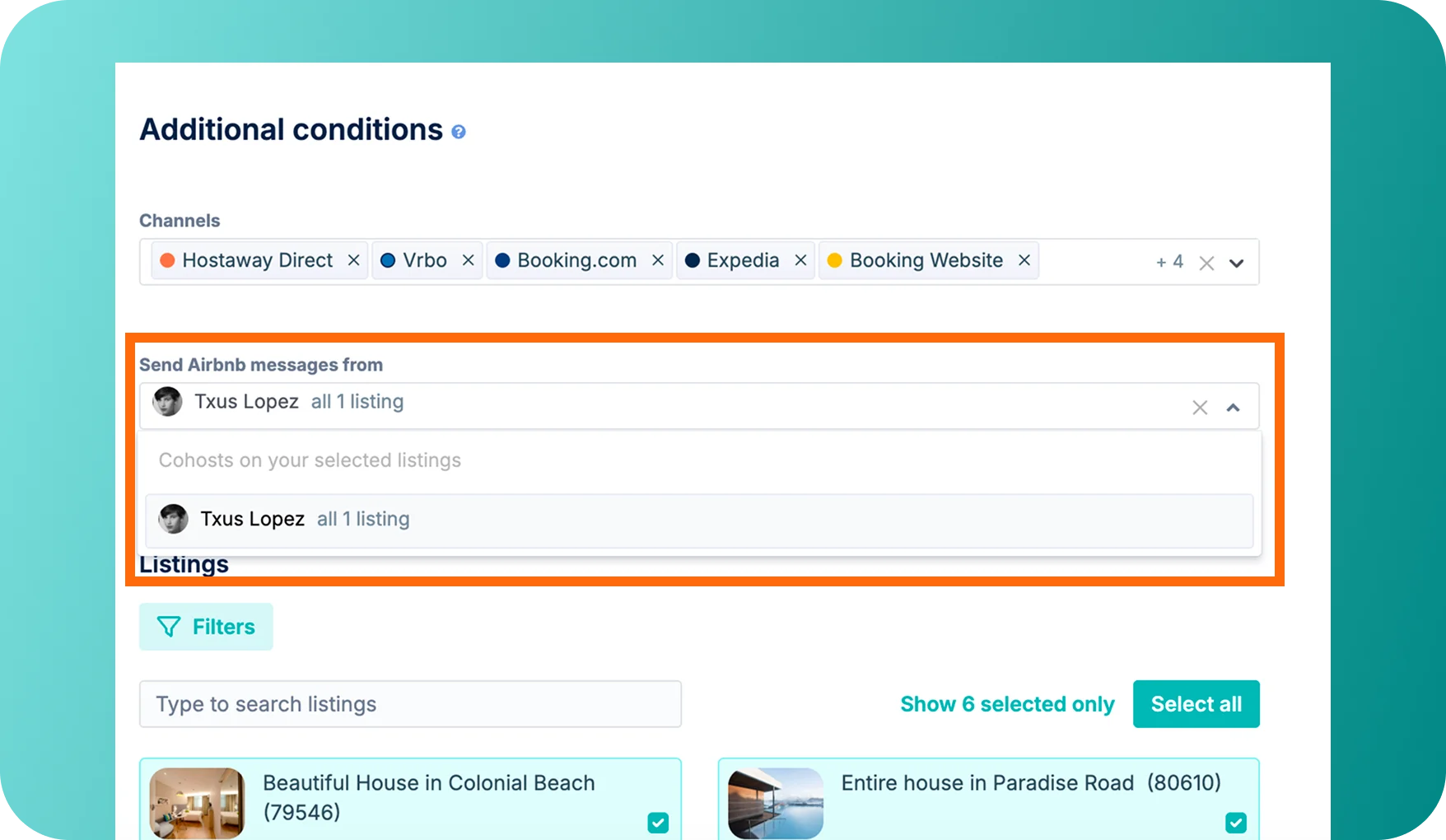
We have added three updates to give you more control and flexibility over your automated messages. You can now pick specific Airbnb cohost senders, attach files to automated emails, and edit scheduled messages directly from the Inbox.
What's New:
- Choose Airbnb Cohost Senders: You can now select which Airbnb cohost identity an automation sends from. Different automations on the same listing can use different cohosts. The sender list pulls directly from your synced Airbnb roles. If a cohost does not cover a listing, the message safely falls back to the account owner.
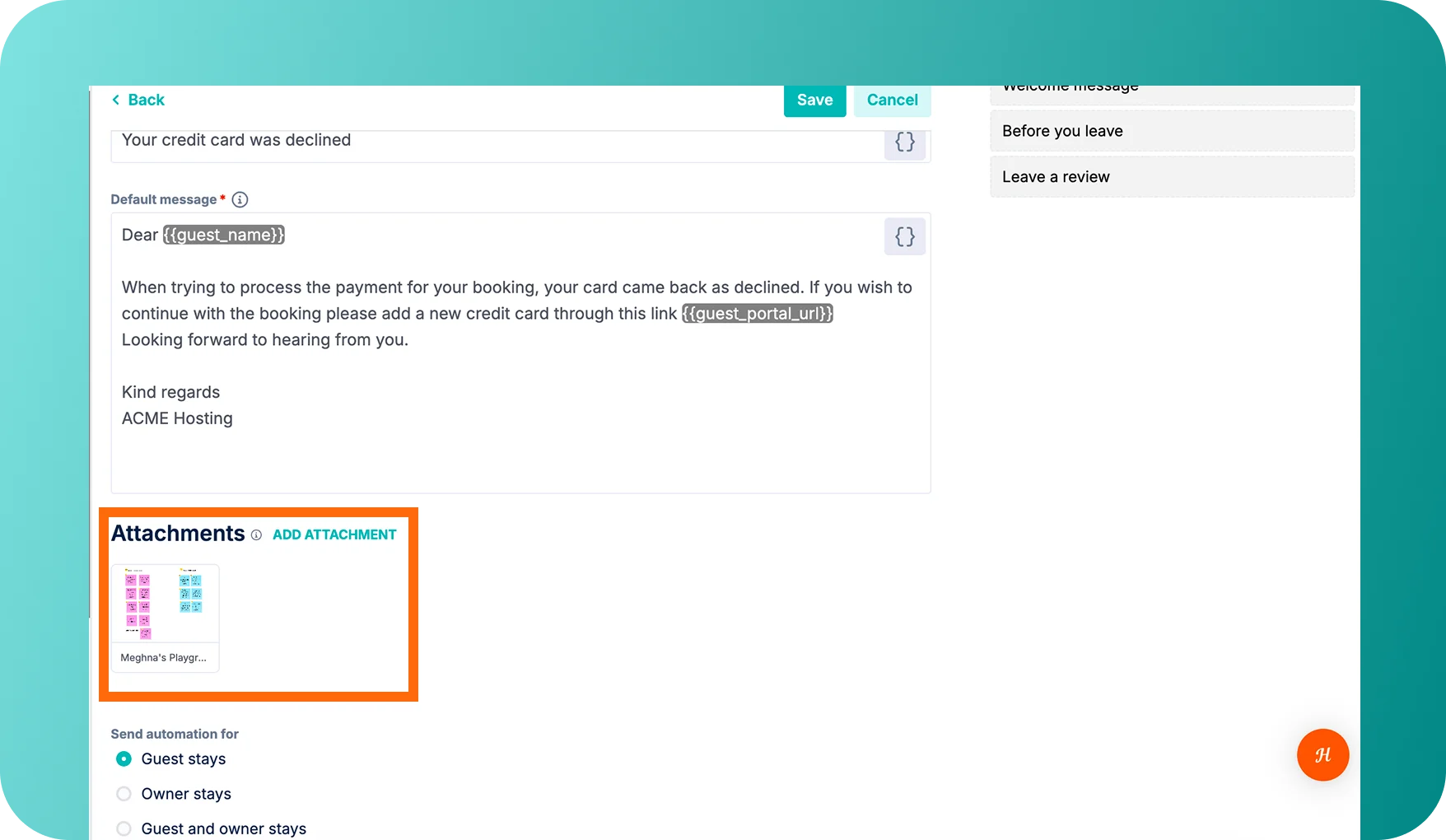
- Attachments on Automated Emails: Automated emails are no longer text-only. You can now attach PDFs, house manuals, parking passes, and check-in guides directly to your templates so they send automatically.
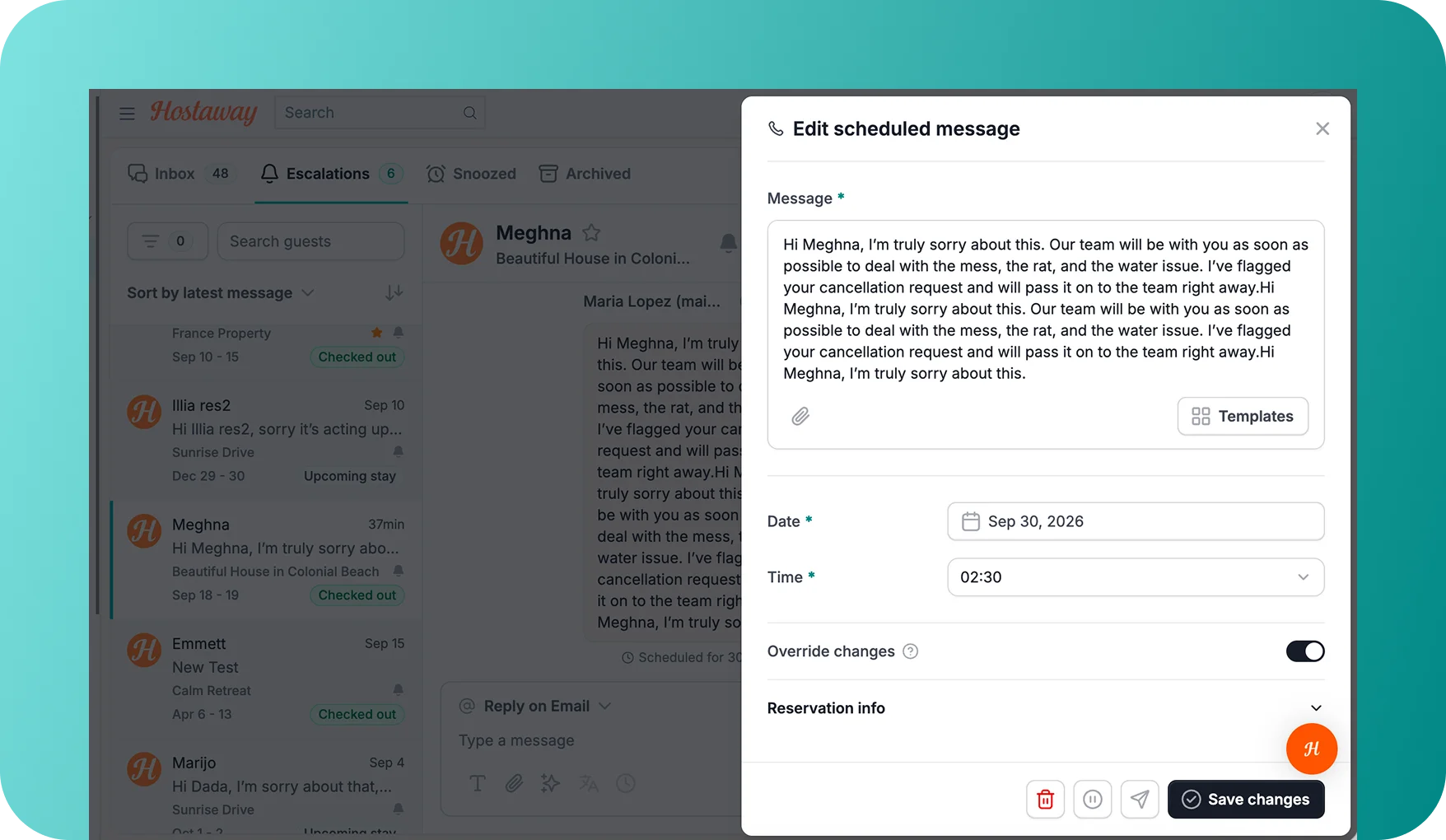
- Edit Scheduled Messages from the Inbox: Need to tweak an upcoming message for a single guest? You can now open any scheduled message right inside the conversation. Adjust the text, change the send time, or update CC recipients for that reservation only. Your master template remains completely untouched.
Why It Matters:
- Better consistency: Send messages from the right team member for each stage of the guest journey.
- Reduce manual follow-ups: Automatically send welcome packets with attached key documents.
- Additional flexibility: Make one-off adjustments on the fly without breaking your global automation rules.
For an overview of message automations, please check our user guide.
 Powered by ProductLift