Set Up an Airbnb-Compliant Guest Portal with Per-Channel Settings
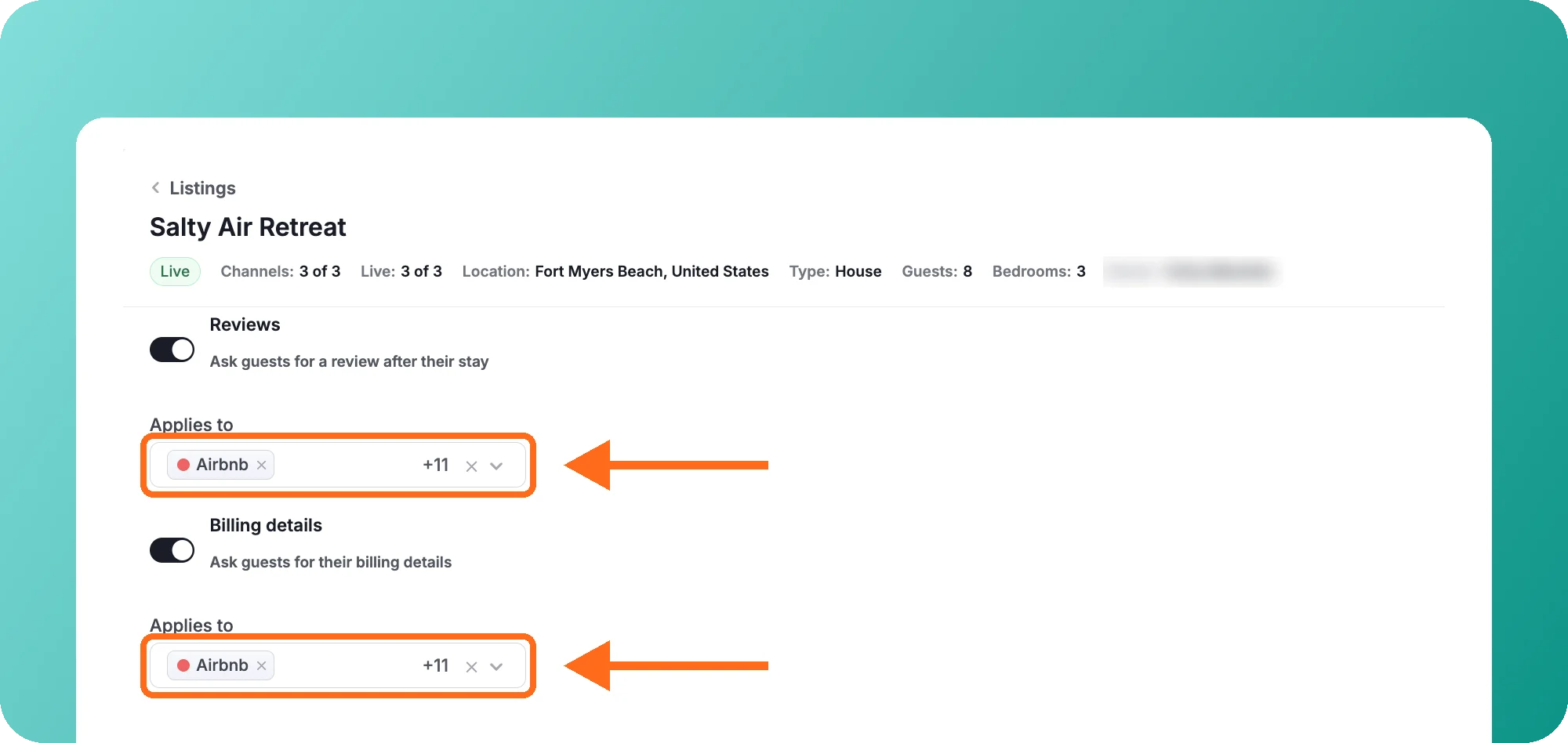
For Airbnb reservations booked from November 20, 2026, Airbnb limits what hosts can ask Airbnb guests to do outside Airbnb. You can now choose which channels each Guest Portal feature applies to, so Airbnb guests still get everything they need for their stay, while guests from other channels keep the same experience.
Why it matters:
- Meet Airbnb’s new policy: Airbnb guests get their door code, Wi-Fi and address without filling in forms, signing agreements or paying a pre-authorization first.
- Keep your setup for other channels: Guests from other channels, like Booking.com and your Booking Website, keep seeing everything you’ve set up for them.
- Set up once, copy everywhere: Set up one listing, then click the copy icon next to Guest Portal and choose Copy settings to other listings.
How it works:
- Go to Listings, open a listing and go to the Guest Portal tab. Each feature has an Applies to list where you choose the channels it’s used for. To exclude Airbnb, remove Airbnb from the list.
- Available for the online check-in form, rental agreement, billing details and reviews. Keep each toggle on if you need it for other channels. Airbnb guests won’t see the Leave a review button.
- Your Guest Portal details visibility settings follow these choices, so you don’t need to change them separately. To control when Airbnb guests see access details, use Payment status or Time before check-in.
- Make sure Airbnb guests don’t need to pay a pre-authorization before they see access details.
- If local law requires you to register guests (for example, in Spain or France), you can keep the online check-in form on for Airbnb guests. Check your local rules and mention the requirement in your Airbnb listing so guests know before they book.
Good to know: You’re responsible for setting up your Guest Portal so it complies with Airbnb’s policy. Hostaway gives you the settings to do it, but doesn’t change them for you.
For more details, check out our USER GUIDE.
 Powered by ProductLift