Set Message Automations Based on Online Check-In Form Submission
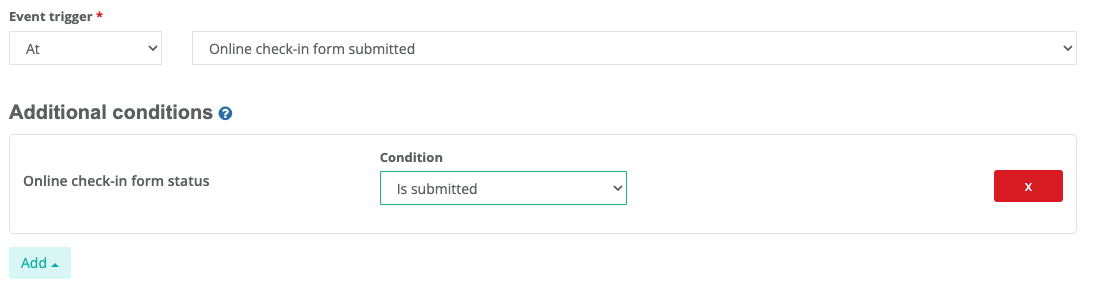
For security reasons, there are times when you might not want to share sensitive information with guests until after they've completed your Online Check-In Form (e.g. check-in instructions, door codes)
To give you this flexibility, we've now added:
-
A new automation event trigger, so a message can be sent out only when the Check-In Form has been submitted
-
A new automation condition, so an automated messaged that is scheduled around another event (example: 24 hours before check in) is only sent if the check in form has been submitted.
These new automation features can be found when creating a new automation, or editing a current automation in Inbox > Automations.
To learn more about setting up message automations, check out our GUIDE