Search Users When Assigning to Owner Statements
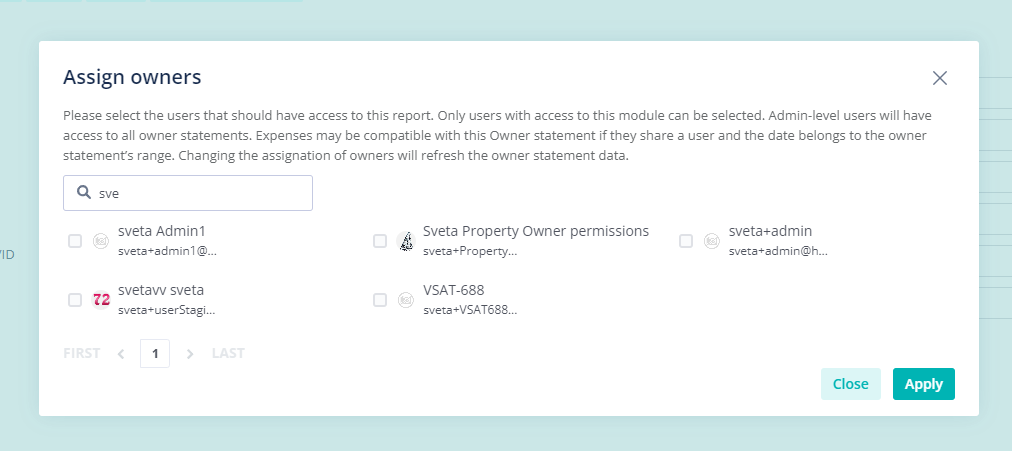
For accounts with many users, finding and selecting the users you want to share each Owner Statement with could take some time.
Now, you can easily search the users you want to add using the new search bar when assigning owners.
You can search by name, surname, email, or even user ID to quickly find the user you need.
How It Works
You can assign owners from 2 different places in the Owner Statements module:
- From the Create & Edit page, you can select "More" in the top right, and "Assign Owner"

.
- From the Manage statements page, find the Owner statement you want to assign to and select the "Assign Owners" icon on the right side

.
For more on Owner Statements, be sure to check out our USER GUIDE