Introducing the Mobile Owner Experience
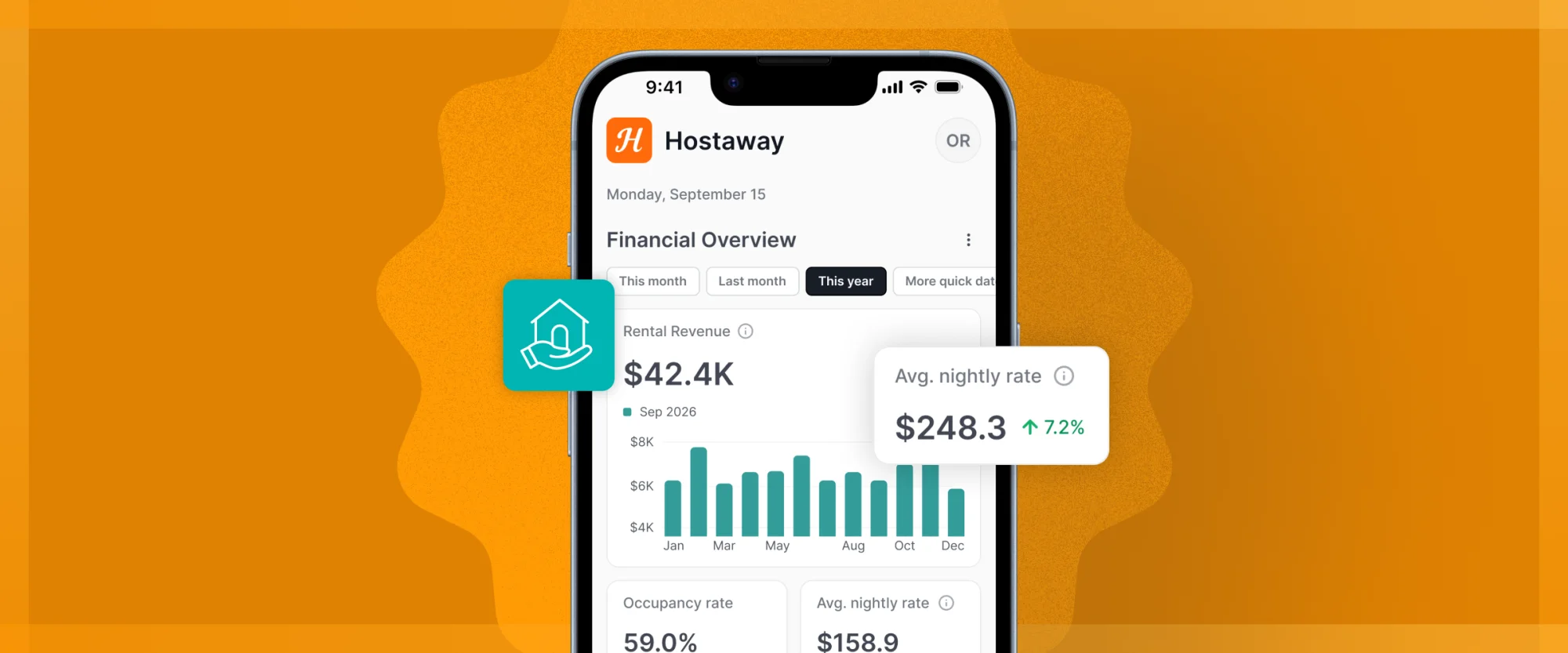
How's my property doing? Where's my statement? Can I book a stay? Your team answers these all day. Now your owners can answer them themselves, in a few taps, right from their phone.
The Mobile Owner Experience gives owners their own view of the Hostaway mobile app: a financial overview of their properties, their statements, and their own stays, all in their pocket.
What's New:
- Financial overview: Revenue, occupancy, and average nightly rate, with year-over-year comparison.
- Owner statements: View, download, and share the statements you've published.
- Properties: Every property assigned to them, at a glance.
- Owner stays: Book, edit, and manage personal stays in a few taps.
You decide what each owner sees: Modules are off by default. Owners only see the listings you assign and the data you choose to share, from full financials to nothing at all.
How It Works:
- Go to Menu → Users (mobile) or Settings → Users (web dashboard) and select the owner.
- Open Access Permissions and turn on Owner-focused mobile app experience.
- Enable the modules they need: Owner statements, Owner stays, and Financial data.
- On the web dashboard, confirm the right listings are assigned to them.
The Mobile Owner Experience is already included in your subscription.
Watch the step-by-step videos to learn how to enable it and choose which data to share: Mobile App: Owner Experience for Property Managers and Mobile App: Owner Experience for Property Owners.
 Powered by ProductLift