Hostaway expenses now sync to QuickBooks Online Integration
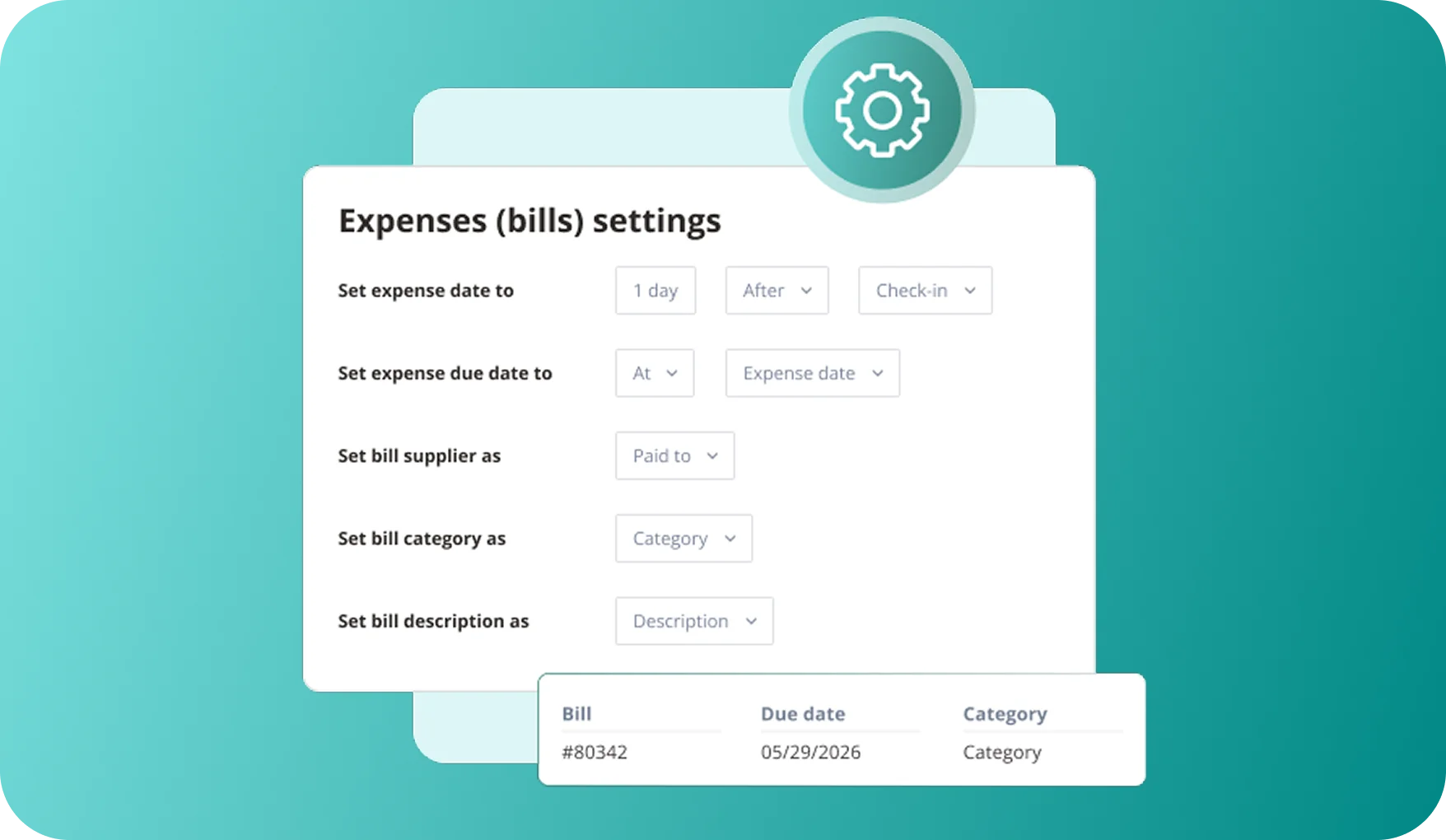
Expenses recorded in Hostaway can now sync to QuickBooks Online as bills, one bill per expense. Reservation invoices work the same as before. This update adds expenses only.
What's New:
- Expense sync: Each new expense creates a bill in QuickBooks Online, automatically or when you send it manually.
- Automatic updates: Editing an expense, or adding or removing a receipt, updates the matching bill.
- Field mapping: Choose which expense fields become the bill's supplier, expense account (category) and line description.
- Bills settings: Choose what expense to send as vendor, category and description.
How It Works (if you already have the integration):
- Go to QuickBooks in the Hostaway Financial Reporting module.
- Under syncing options, you can turn on 'Send new expenses automatically' to create a bill for every new expense. Or turn on 'Resend upon expense modification' if you want edits and receipt changes to update bills automatically.
- Set the details for expense due date, bill category, and more.
- Save your settings. To send expenses manually, or to update bills marked Outdated, use the Manage sync & update page.
For an overview of our QuickBooks Online integration, you can refer to our user guide.