Guests Can Now Enter Children’s Ages on Your Booking Website
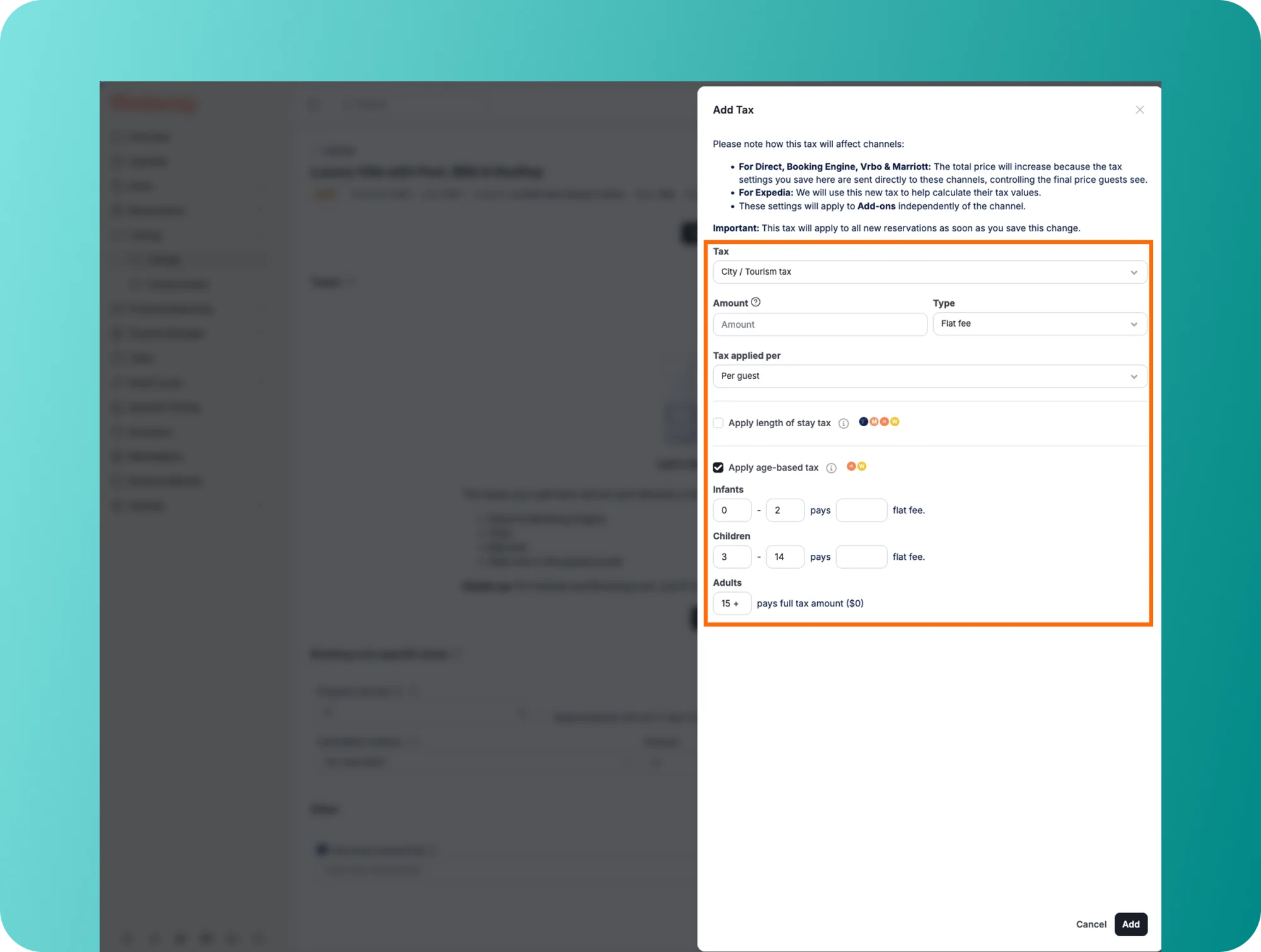
Guests booking on your Booking Website can now enter the age of each child in their party at checkout. Hostaway then applies the age conditions you’ve set on your taxes, so city and tourist taxes are calculated correctly at booking time.
Why it matters:
- Charge the right tax: Children are often exempt from city tax or pay a reduced rate. They’re no longer charged as adults on your direct bookings.
- No manual fixes: No need to ask guests for ages, correct taxes by hand or refund guests after booking.
- Accurate totals: The price guests see at checkout matches the reservation total.
How it works:
- Set age conditions on your taxes first (for example, children under 16 don’t pay city tax). Age conditions work on taxes charged per guest or per guest per night. Your Booking Website then applies them automatically.
- Guests enter the age (0–17) of each child at checkout. Ages are used for the tax calculation only and aren’t stored on the reservation.
- Each reservation shows the number of adults, children and infants. Infants aren’t counted in the number of guests, as on other channels.
- Available on Booking Website and Booking Website Pro.
To learn how age-based taxes work on your Booking Website, check out our USER GUIDE.
 Powered by ProductLift