Edit Reservations from the Inbox Side Panel and Apply Bulk Actions on the Conversations List
We have added two updates to the new Inbox so you can work more efficiently without leaving the conversation. You can now edit reservation details in the side panel and use bulk actions on the conversation list.
What's new
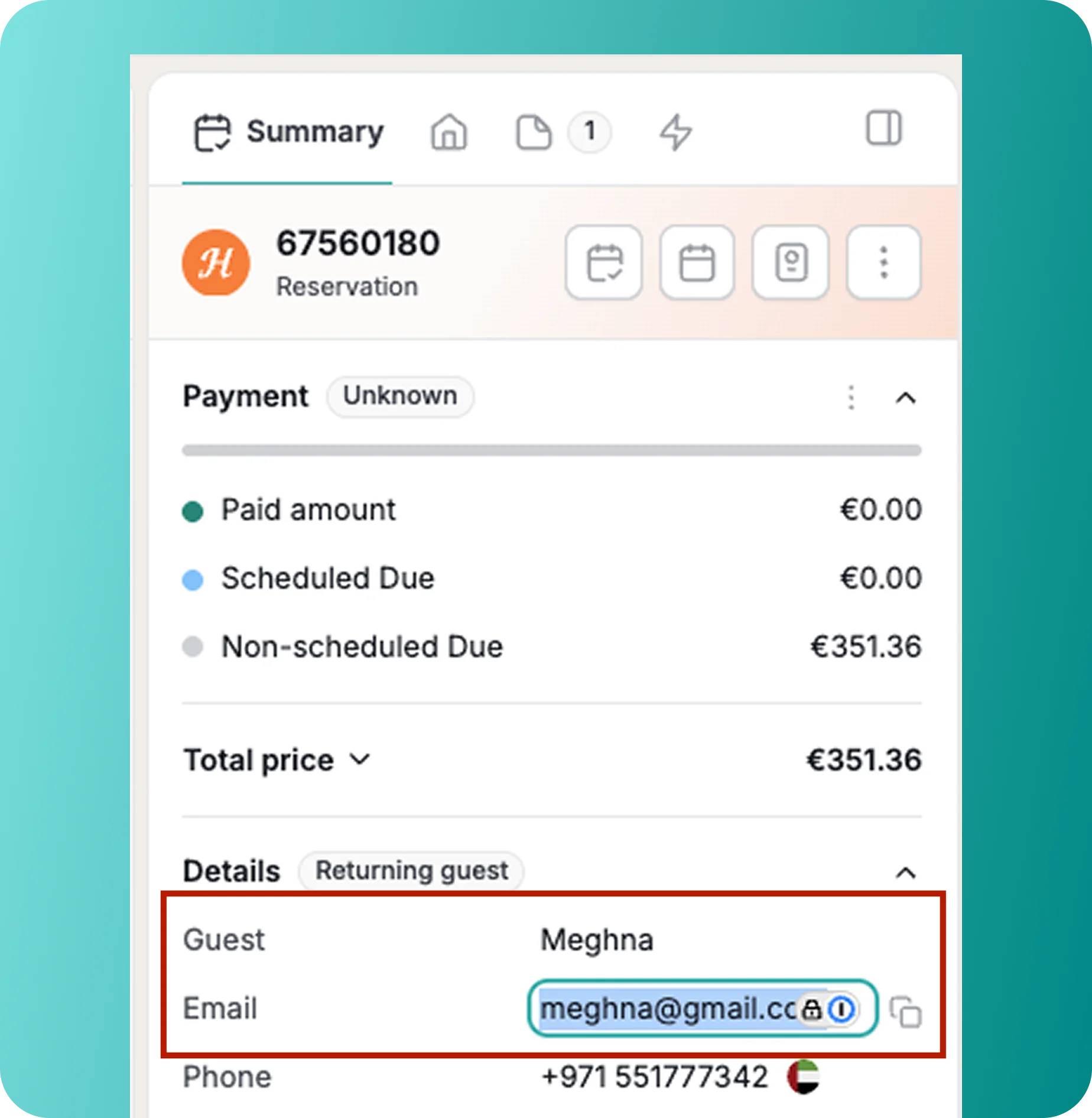
1. Edit Reservation Details Without Leaving the Conversation: Until now, changing anything about a reservation meant leaving the Inbox for the Reservation page. The Inbox is where you should be able to take quick actions from the place the request came in, in a few seconds.
In the Summary tab of the Inbox side panel, you can now edit:
- Guest email
- Phone number
- Number of guests
- Check-in and check-out dates
- Check-in and check-out times
Please note that reservation date changes are available on all channels except Airbnb.
----
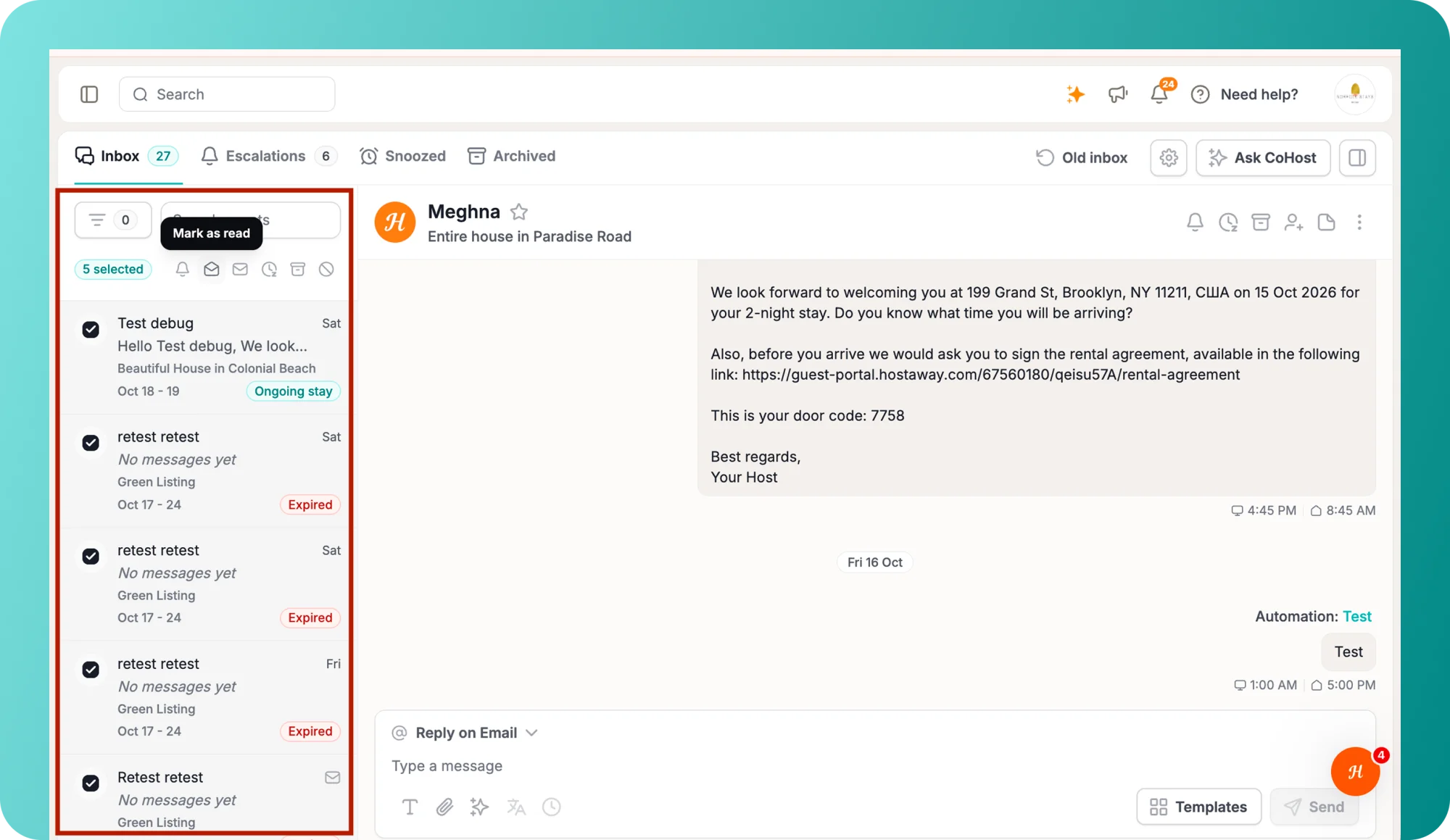
2. Bulk Actions on the Conversation List: Clearing a backlog used to mean opening conversations one at a time or going to the old bulk update screen. Now you can hover over a conversation in the list and a checkbox appears.
How it works:
- To select multiple conversations at once, click the first conversation, then shift-click to the last conversation. Everything in between will be selected.
- Tick as many conversations as you need, then choose an action: mark as read or unread, escalate, snooze, or archive.
Why the Two Updates Matter
- Faster fixes: Update guest and stay details in seconds, right where the request came in.
- Fewer tools to juggle: Skip the Reservation page or the OTA extranet for routine changes.
- Quicker backlog clearing: Act on many conversations at once instead of opening each one to save time.
For an overview of Hostaway’s advanced inbox management features. you can refer to our user guide.