Disputed Charges Now Visible in Guest Payments
We’ve made it easier to spot and act on charge disputes—right from the Hostaway Dashboard.
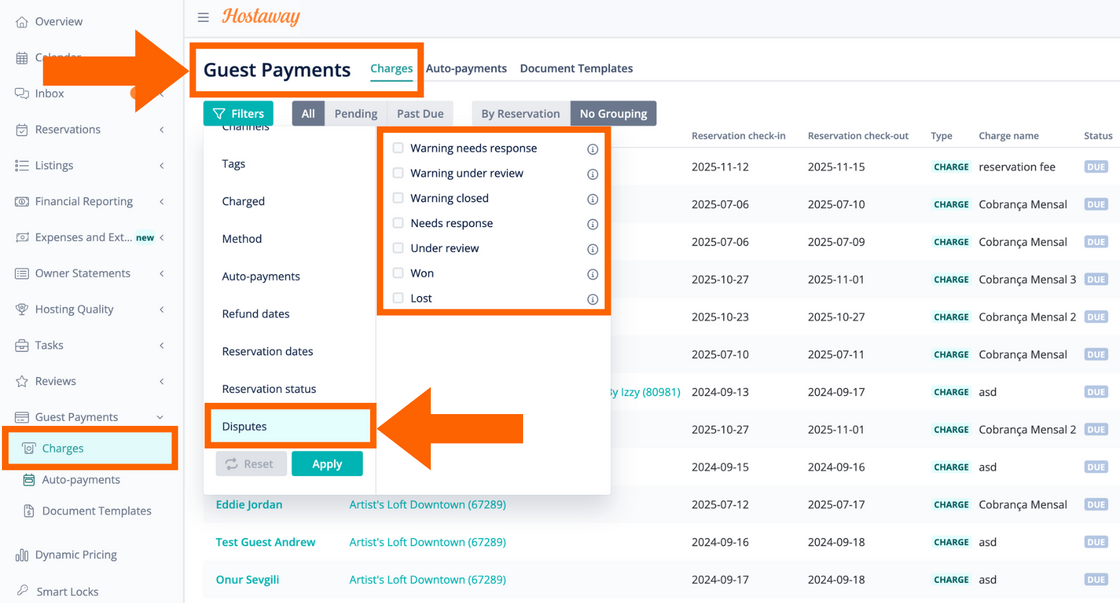
How it works:
-
Go to Guest Payments, then open Charges.
-
Click Filters and select Disputes from the list.
-
Click Select Filter, then Apply.
-
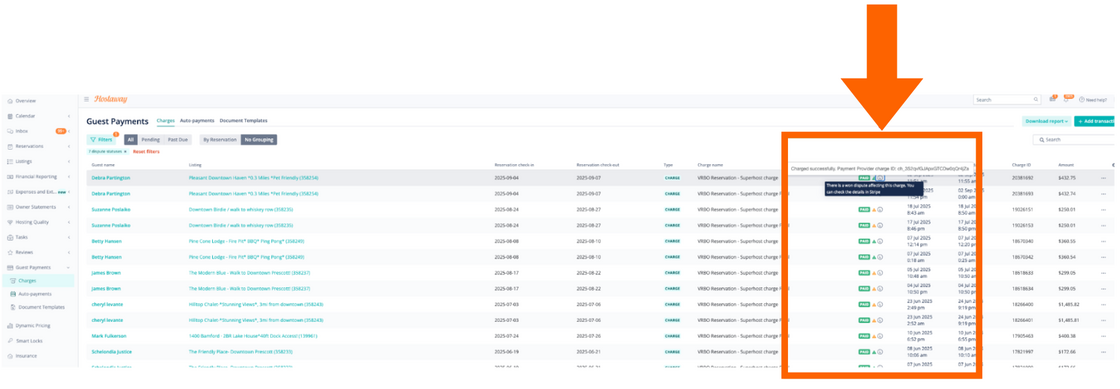
Hover over the Yellow or Green triangle icons to see the dispute status (e.g., “Dispute Won” or “Dispute Lost”).
For more details, check out our USER GUIDE.
Note: Supported for Stripe only.